Installed Applications
Please read the Material Usage Rules on this site.
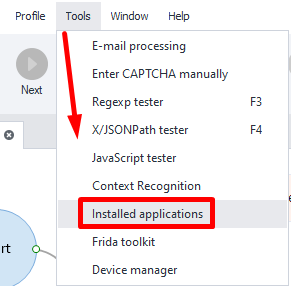
You can open the window from the top menu at Tools → Installed Applications.
Here you'll see all the apps installed on your system, along with their clear names, usually shown on the icons. Whatever app is open on the device at the moment is put in a group of its own, Active application in the foreground, so its identifier does not have to be hunted for in the whole list.

You can copy an app’s identifier to the clipboard and use it with the App Actions feature to launch, stop, or uninstall apps. You can also use it to back up and restore app data. All these actions will be saved to your project.
You can get a list of apps using adb shell.
The command is pm list packages