ZennoPoster Hotkeys
Please read the Material Usage Rules on this site.
🔗 Original page — Source of this material
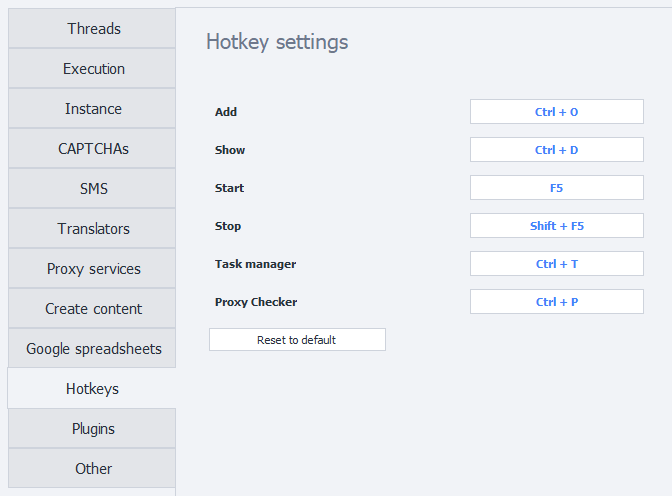
Description
Add (Ctrl + O) - opens the window to add a new project to the program.
Show (Ctrl + D) - opens the ❗→ Instances tab for the selected project.
Start (F5) - starts the selected project.
Stop (Shift + F5) - stops the selected project.
Task Manager (Ctrl + T) - opens the ❗→ Task Manager window.
Proxy Checker (Ctrl + P) - opens the ❗→ Proxy Checker management window.
Reassigning Hotkeys
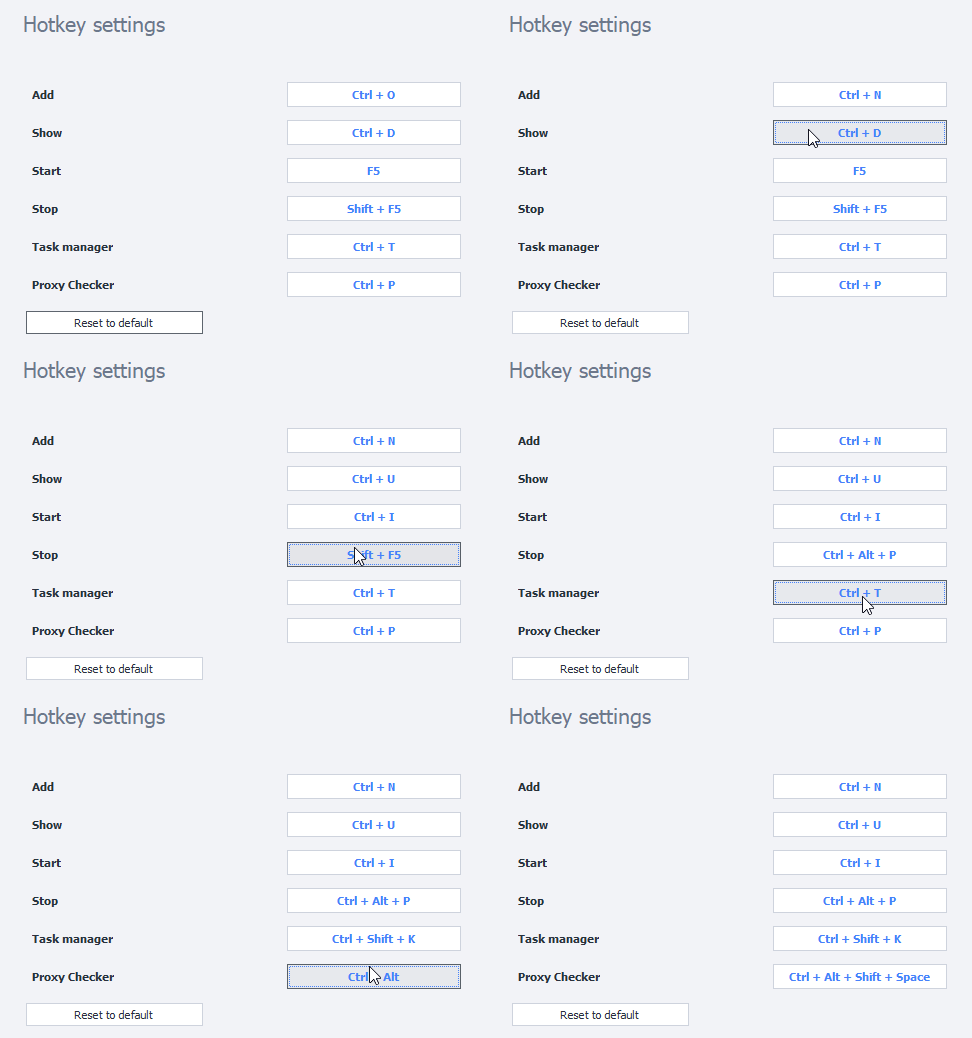
To set a new key combination, simply click on the shortcut you’re interested in and hold down the desired key combination on your keyboard.
Example
Restore Defaults
You can use this button to reset all hotkey settings to their original values.