Helper
Helper
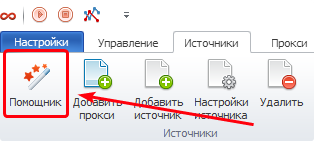
The Helper is designed to simplify adding Sources for parsing into the program. After clicking the Helper button, the Add Sources Helper window will open.
What would you like to add?
Next, you will see 4 action scenarios. Choose one of them and click the Next button in the lower right corner.
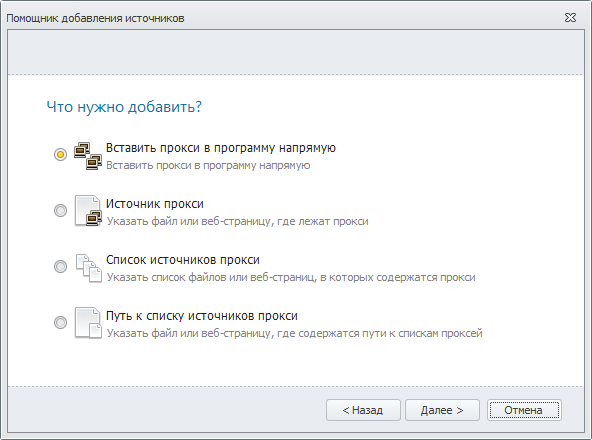
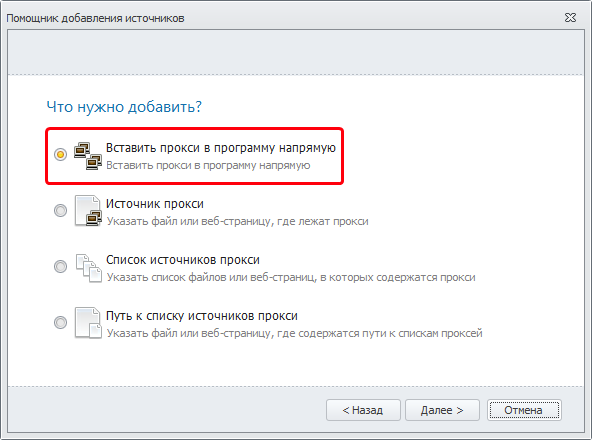
Insert proxies into the program directly
When you select this scenario, an empty window will open for entering proxies.
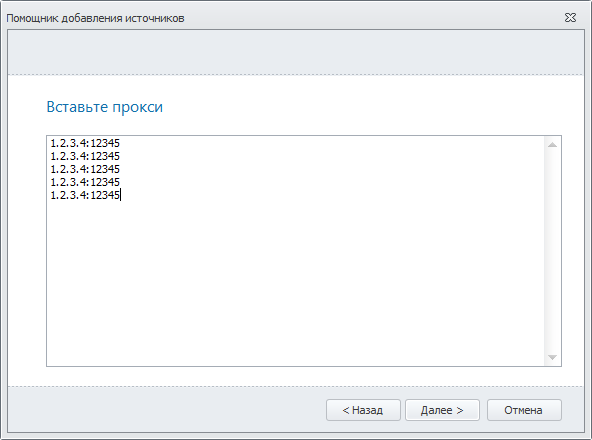
After entering the proxies, click Next and select the type of proxies you are adding.
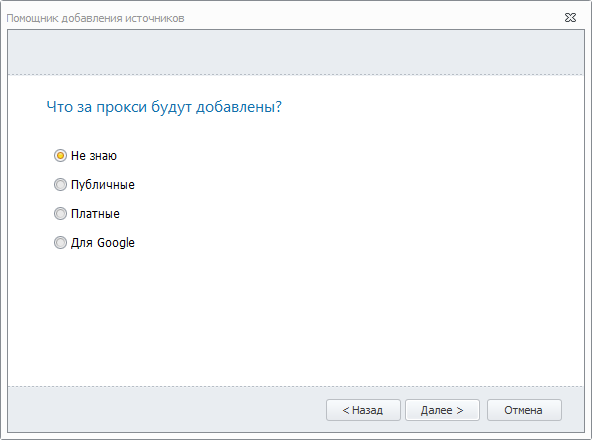
Click the Next button and you will see information based on your request for finding the desired proxy.
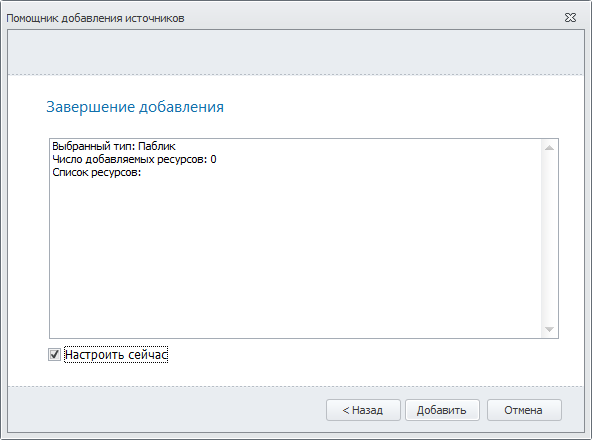
If you check the Configure now option, then after clicking the Add button, not only will a new list be created, but its settings will also open immediately.
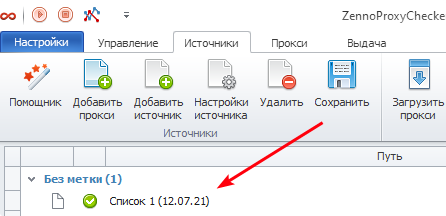
On the main Sources page, a new source will appear in the No label category.
Proxy source
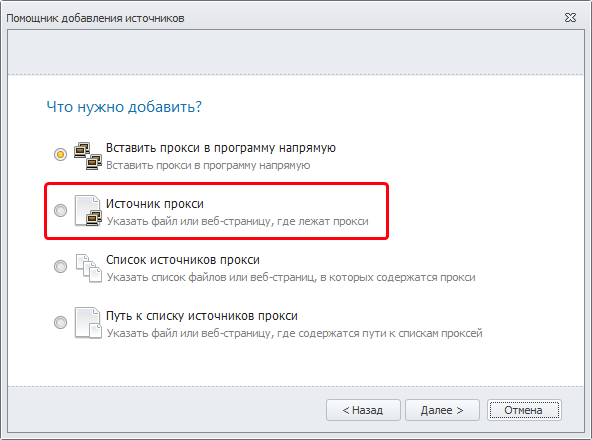
In this scenario, you can specify a file or a web page from which proxies will be collected.
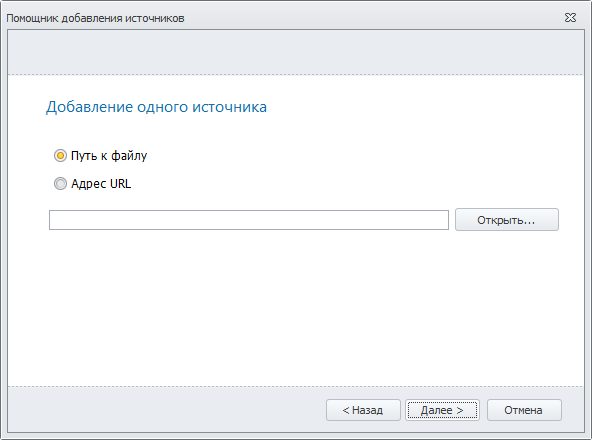
After clicking the Next button, a window will appear where you need to choose where the proxies are stored:
- File path — full path to the file;
- URL address — the source address on the internet.
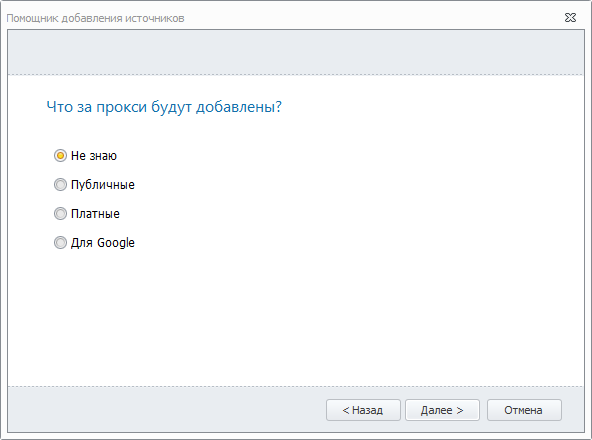
Click the Next button and select the type of proxies you are adding.
Click the Next button and you will see the resulting information.
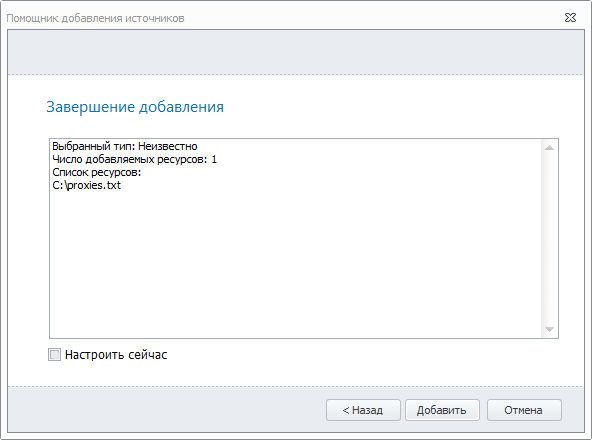
If you check the Configure now option, then after clicking the Add button, not only will a new list be created, but its settings will also open immediately.
On the main Sources page, a new source will appear in the No label category.
List of proxy sources
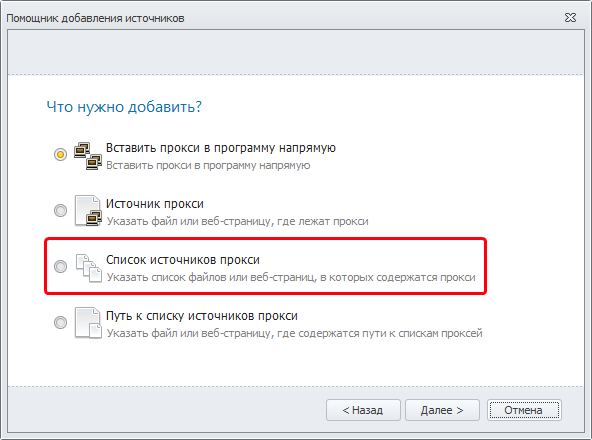
This scenario is similar to the previous one ("Proxy source"), with the only difference being that here you can specify multiple proxy sources at once (files and/or URL addresses).
Path to the list of proxy sources
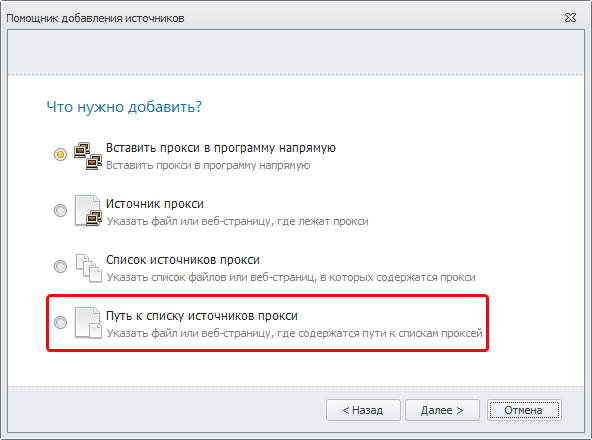
This scenario is also similar to "Proxy source," with the only difference being that here you need to specify the File path or URL address where the list of proxy sources is saved.