How to Get the Latest GeoIP Database
Please read the Material Usage Rules on this site.
-
Register on the website: https://www.maxmind.com/en/account/login
-
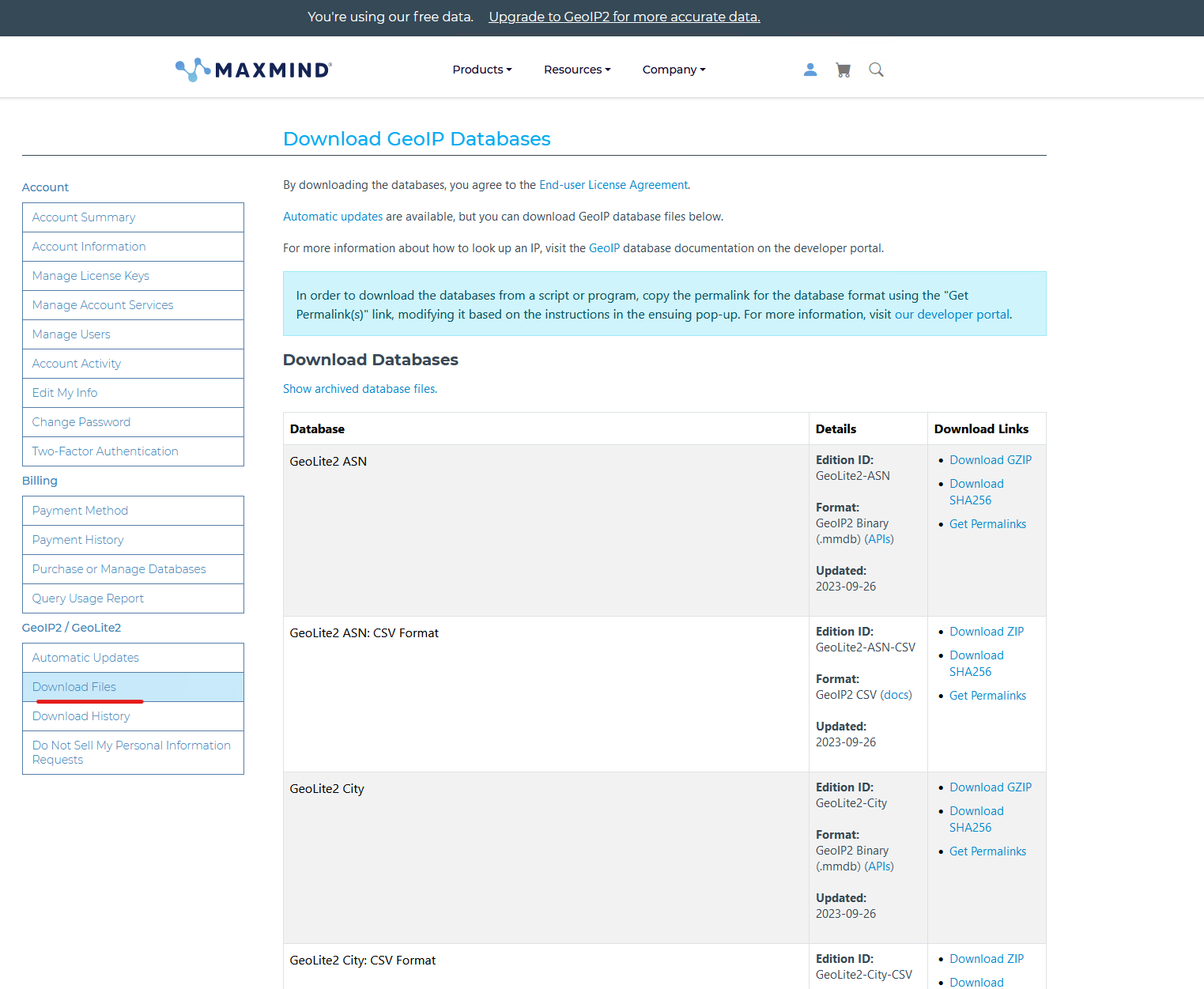
Go to the Downloads section:
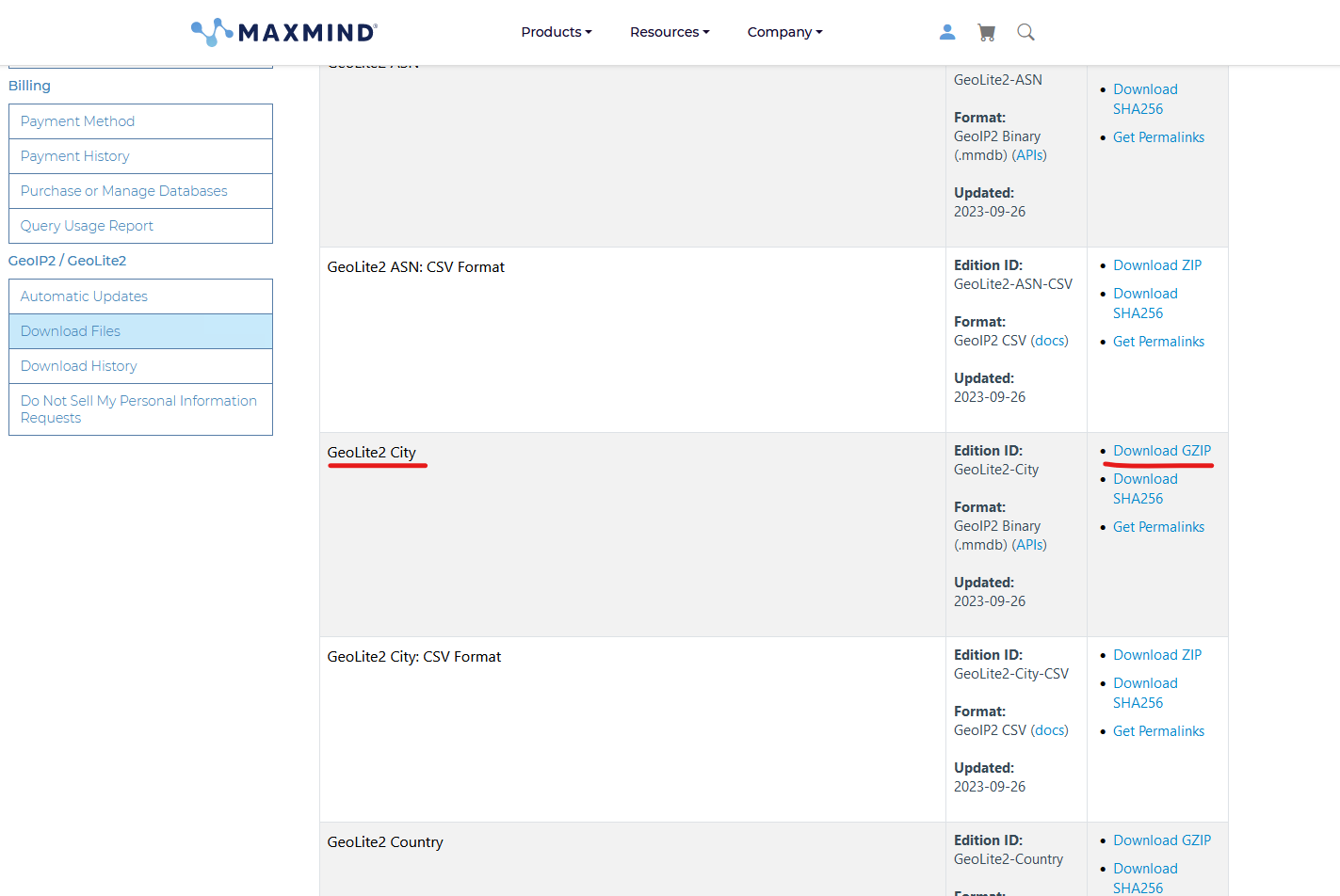
- Download the GeoLite2 City database:
- Extract the archive and place the GeoLite2-City.mmdb file into the folder:
- for ZennoPoster C:\Users{имя_пользователя}\AppData\Roaming\ZennoLab\ZennoPoster\7\Data\
- for ProxyChecker C:\Users{имя_пользователя}\AppData\Roaming\ZennoLab\ProxyChecker\3\Data\
- for ZennoDroid C:\Users{имя_пользователя}\AppData\Roaming\ZennoLab\ZennoDroid\2\Data\
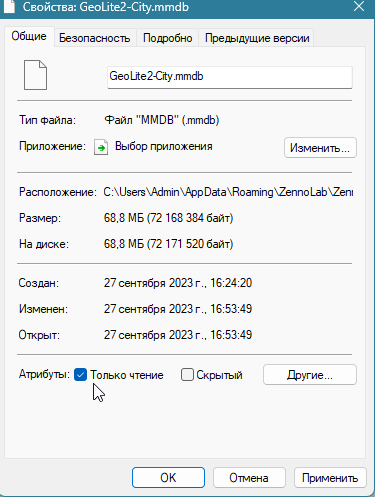
- Set the GeoLite2-City.mmdb file to read-only: