Welcome Page
Please read the Material Usage Rules on this site.
Launching the Program.
Start Screen.
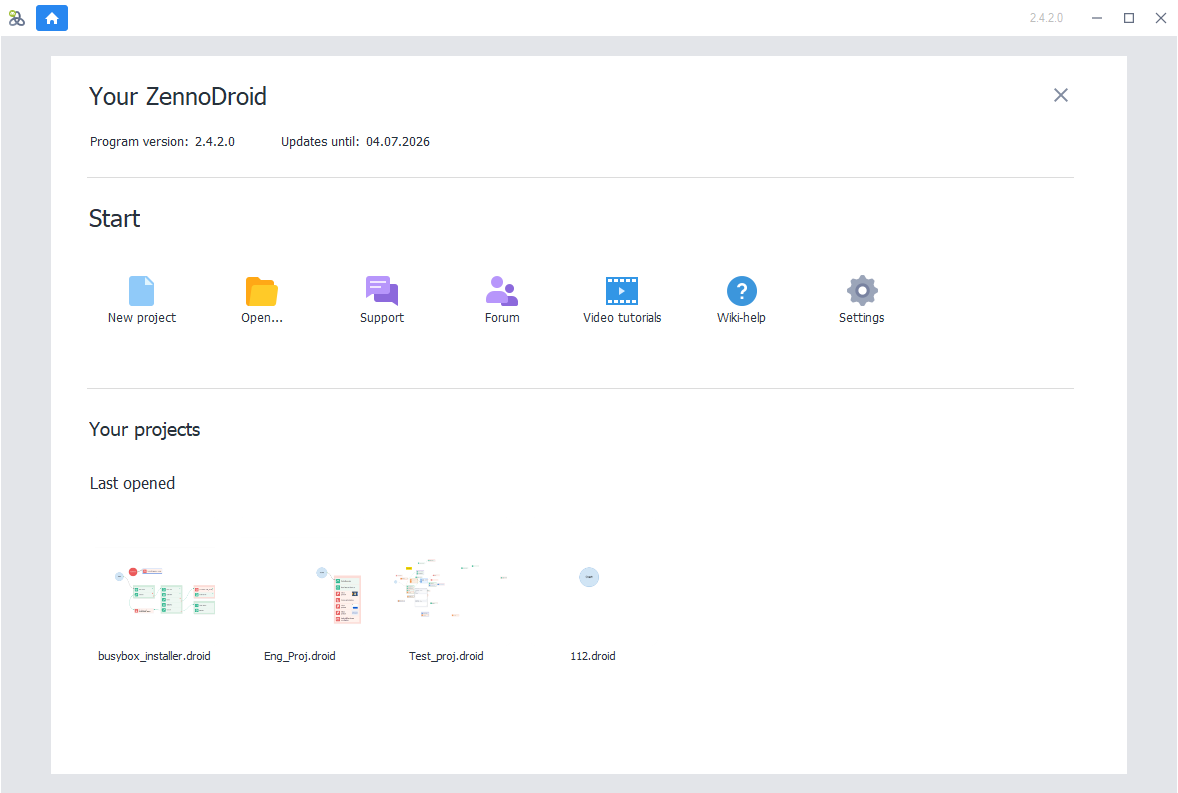
It has three sections:
- Your ZennoDroid.
- Start.
- Your Projects.
Your ZennoDroid.
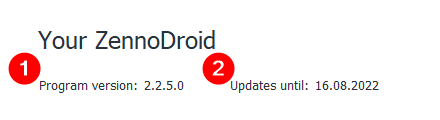
Here you can see:
1. The current version of the program.
2. The date until you have updates paid for.
You can check out update prices for your version in your personal account.
Start.

This section lets you:
- Create a new project.
- Open a project from file.
- Contact support
- Go to the Forum. There you can discuss the program, ask questions, or find useful info.
- Watch Video tutorials.
- Open the Help in your browser.
- Go to Settings of the program.
Your Projects.
The last section shows your recently opened projects.
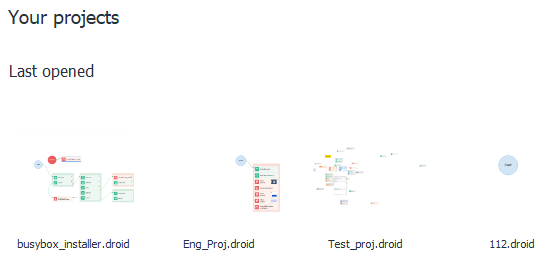
You can change how many show in Settings → Editing → Remember number of recent projects.
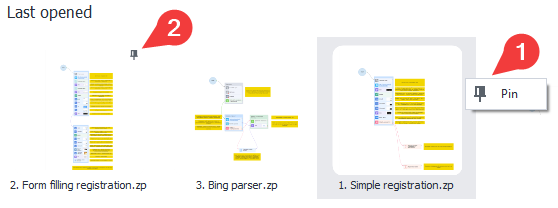
If you use some projects a lot, you can pin them.
 |
|---|
| Right-click the project and click Pin. |